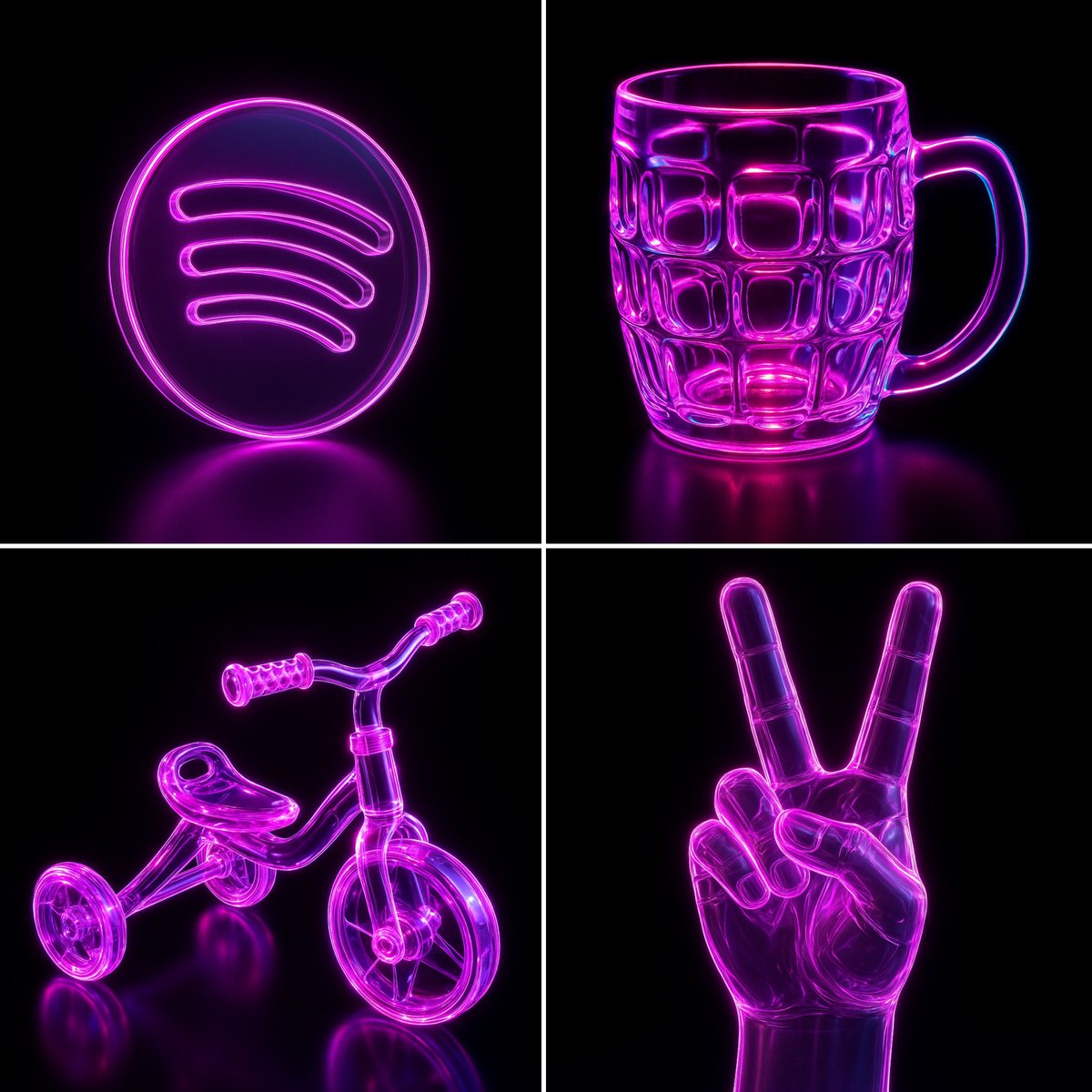
네온 유리 광채: AI 이미지 생성 및 편집
프롬프트
제공된 JSON의 매개변수를 사용하여 이 이미지를 다시 만드세요. { "name": "Neon Glass Glow", "style": { "material": { "type": "glass", "transparency": 0.92, "reflectivity": 1.0, "refractionIndex": 1.6, "color": "#ff00ff", "emission": { "color": "#ff66ff", "intensity": 0.8 }, "surfaceFinish": "glossy", "bloom": true, "detail": "high" }, "outline": { "enabled": true, "color": "#ffccff", "width": 1.8 }, "lighting": { "type": "studio", "keyLightColor": "#ffffff", "keyLightIntensity": 1.0, "fillLightColor": "#9900ff", "fillLightIntensity": 0.7, "rimLightColor": "#00ffff", "rimLightIntensity": 0.7, "shadows": "crisp" }, "background": { "type": "solid", "color": "#000000" }, "render": { "shadows": true, "antiAliasing": true, "superSampling": "4x", "resolution": "high", "depthOfField": { "enabled": true, "focusDistance": 0.8, "blurAmount": 0.1 } } } }